
UX Writer and Content Designer with 11 years in SaaS.
I work on the decisions behind the words.
What to say, how to say it, and what to leave out.
I built a custom AI model trained on Text's guidelines, tone principles, and component patterns. It helps teams think like a UX writer and make copy decisions.
Text's AI Agent supports customers directly in chat. It handles first contact, answers questions, and helps users get set up.
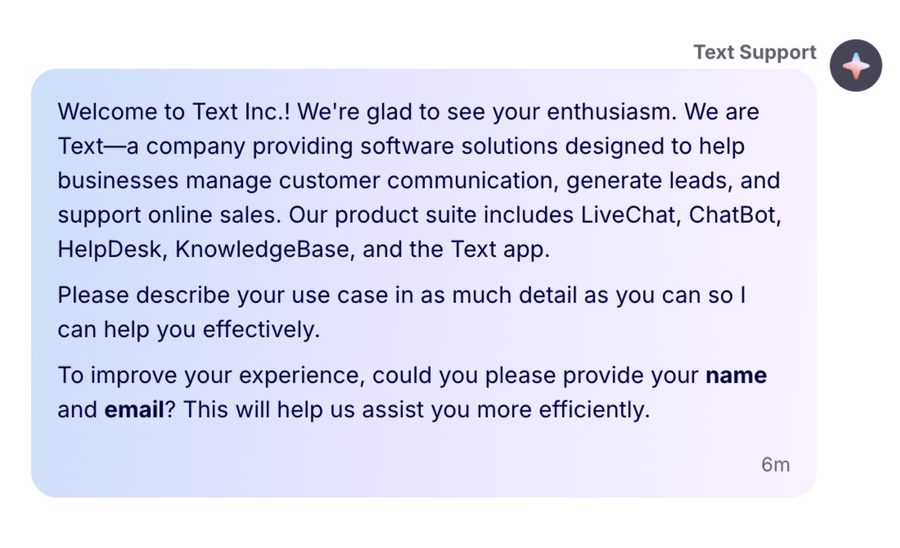
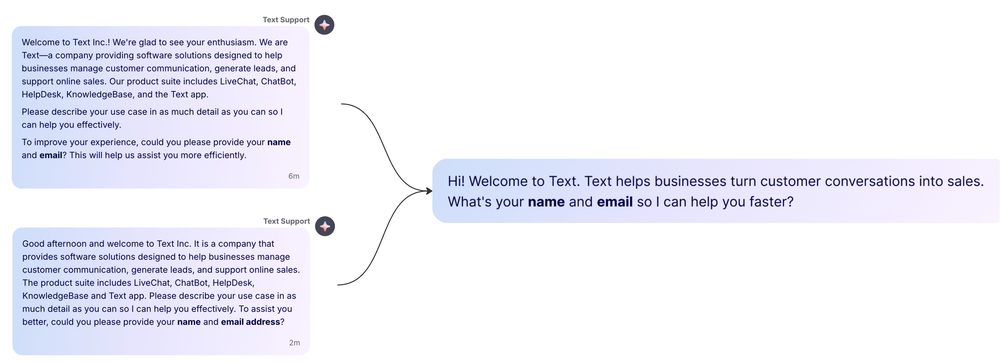
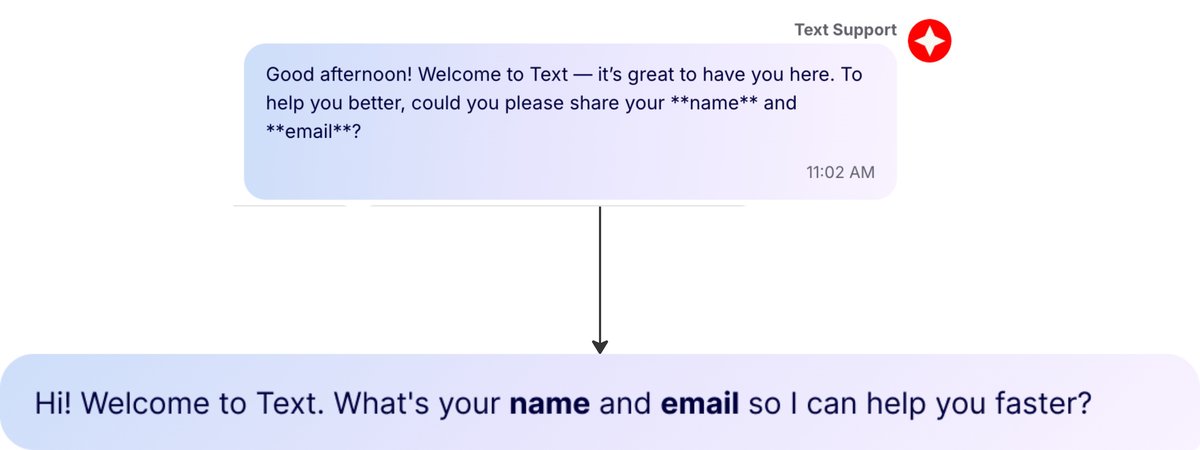
The Agent's responses defaulted to what AI defaults to: formal, apologetic, and extremely polite. None of that matches Text's personality: direct, savvy, proactive, and perceptive. The gap between the brand and the product was visible in every conversation.
I looked at Text's existing brand voice guidelines. The problem was they didn't translate into rules a language model could actually follow. "Be perceptive" doesn't tell an AI what to do when a customer asks a compliance question. What the Agent needed was clear instructions on what good sounds like.
I wrote a prompt with 13 rules. Each rule targets a specific failure pattern: a direct instruction, a right example, a wrong example. Simple enough for a language model to follow. Clear enough for a stakeholder to review without a UX writing background.
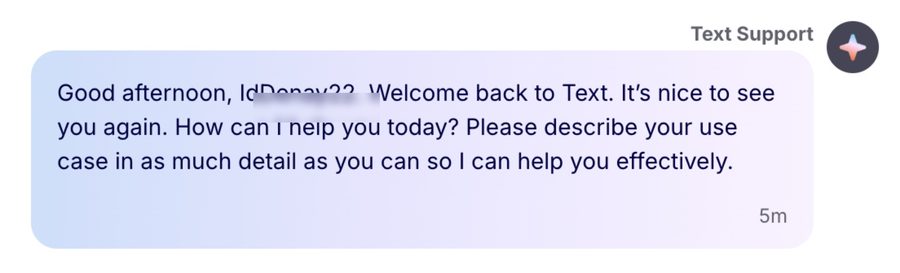
Example model responses showing the gap between the original output and the guidelines:
The guidelines were ready for implementation, with examples that made the voice gap visible to stakeholders. The work created a reusable foundation for AI Agent conversations, though I left before launch.
Text is an AI-first customer service platform. Getting it to work takes setup: connecting channels, feeding the AI Agent knowledge, learning where things are.
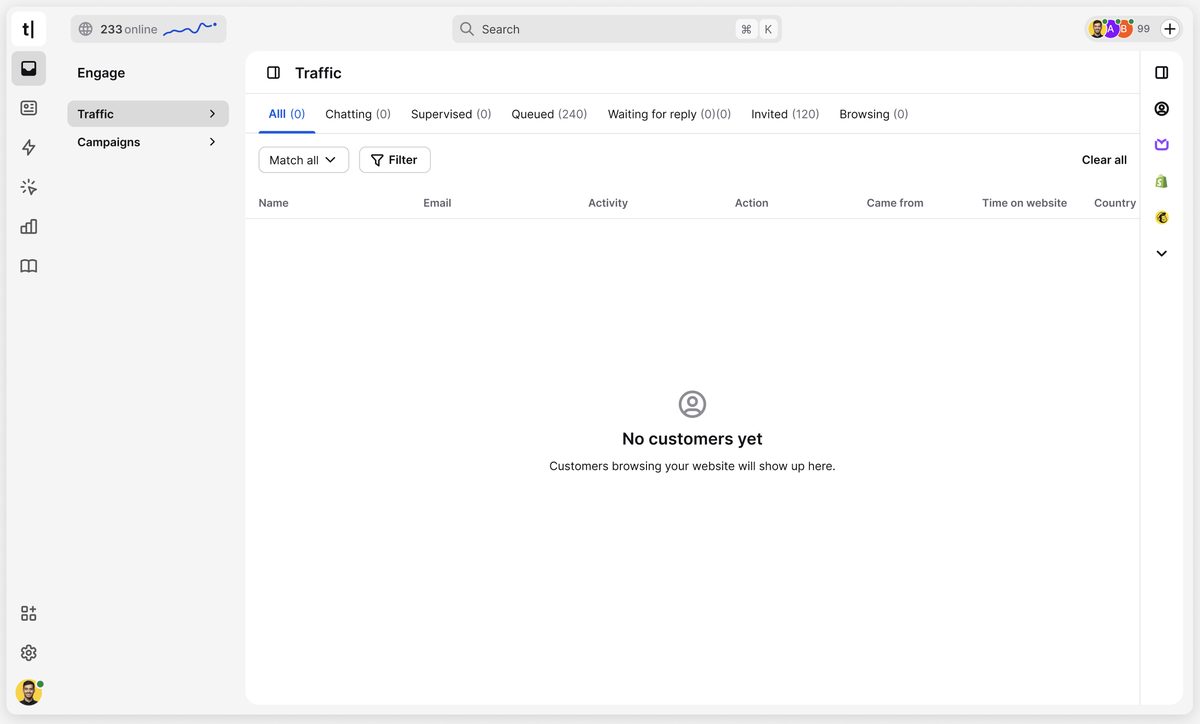
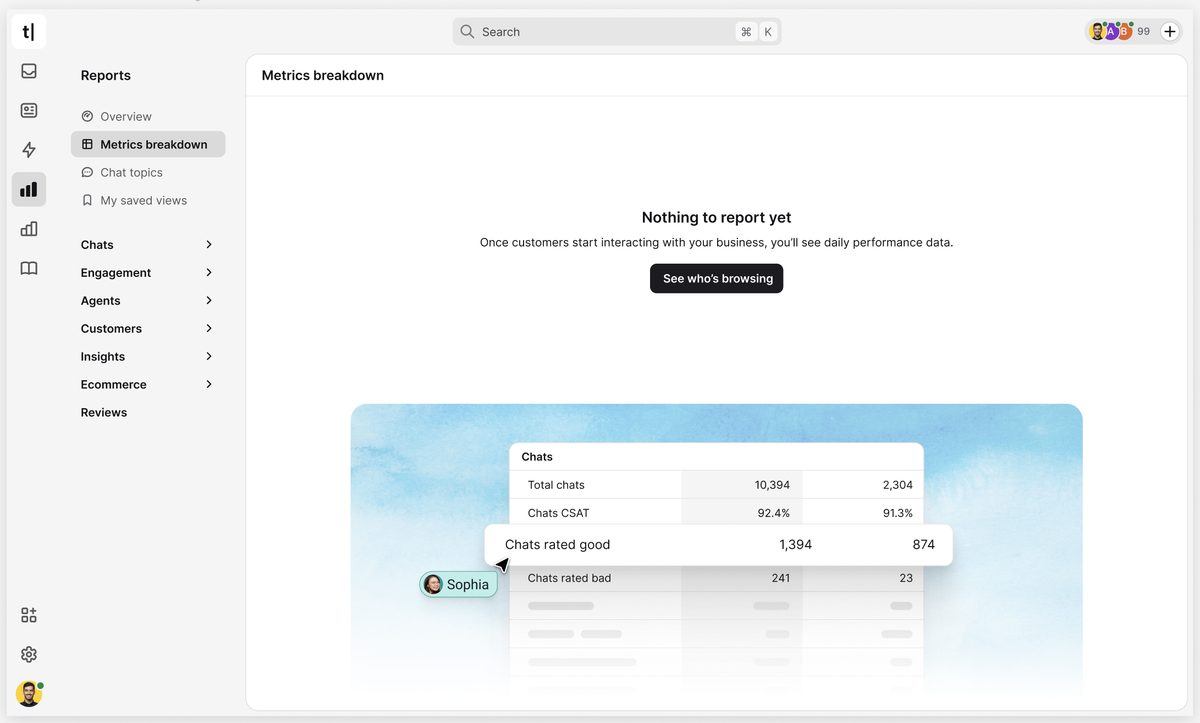
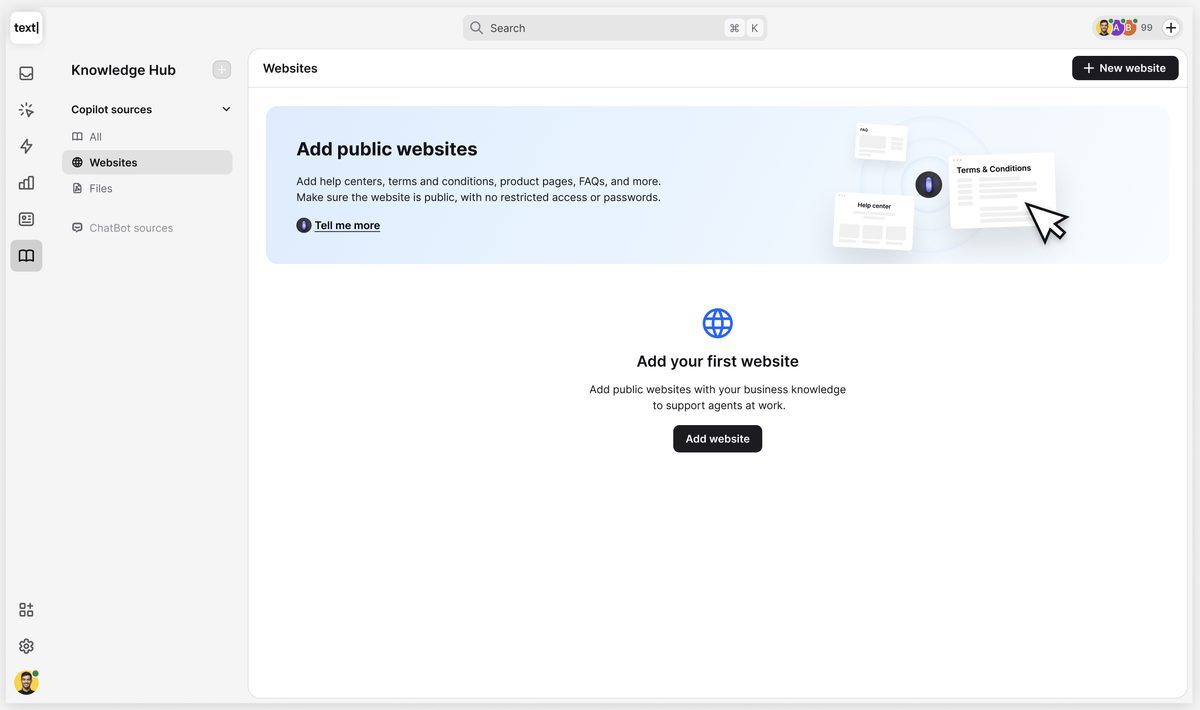
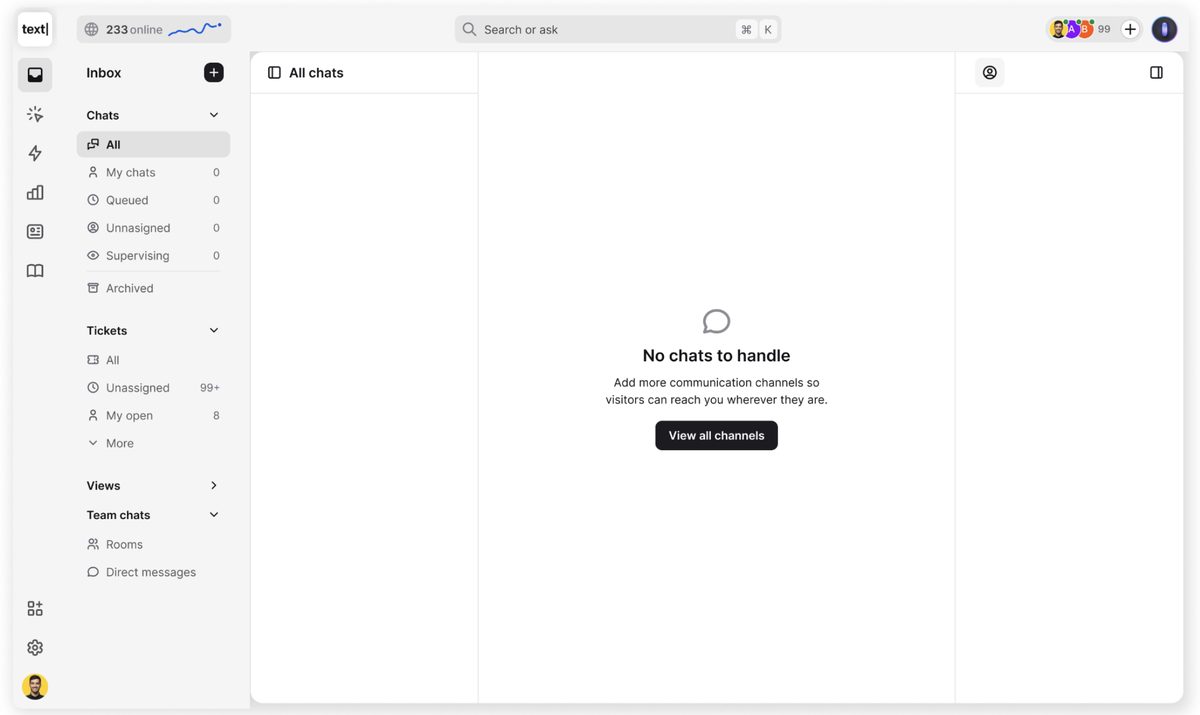
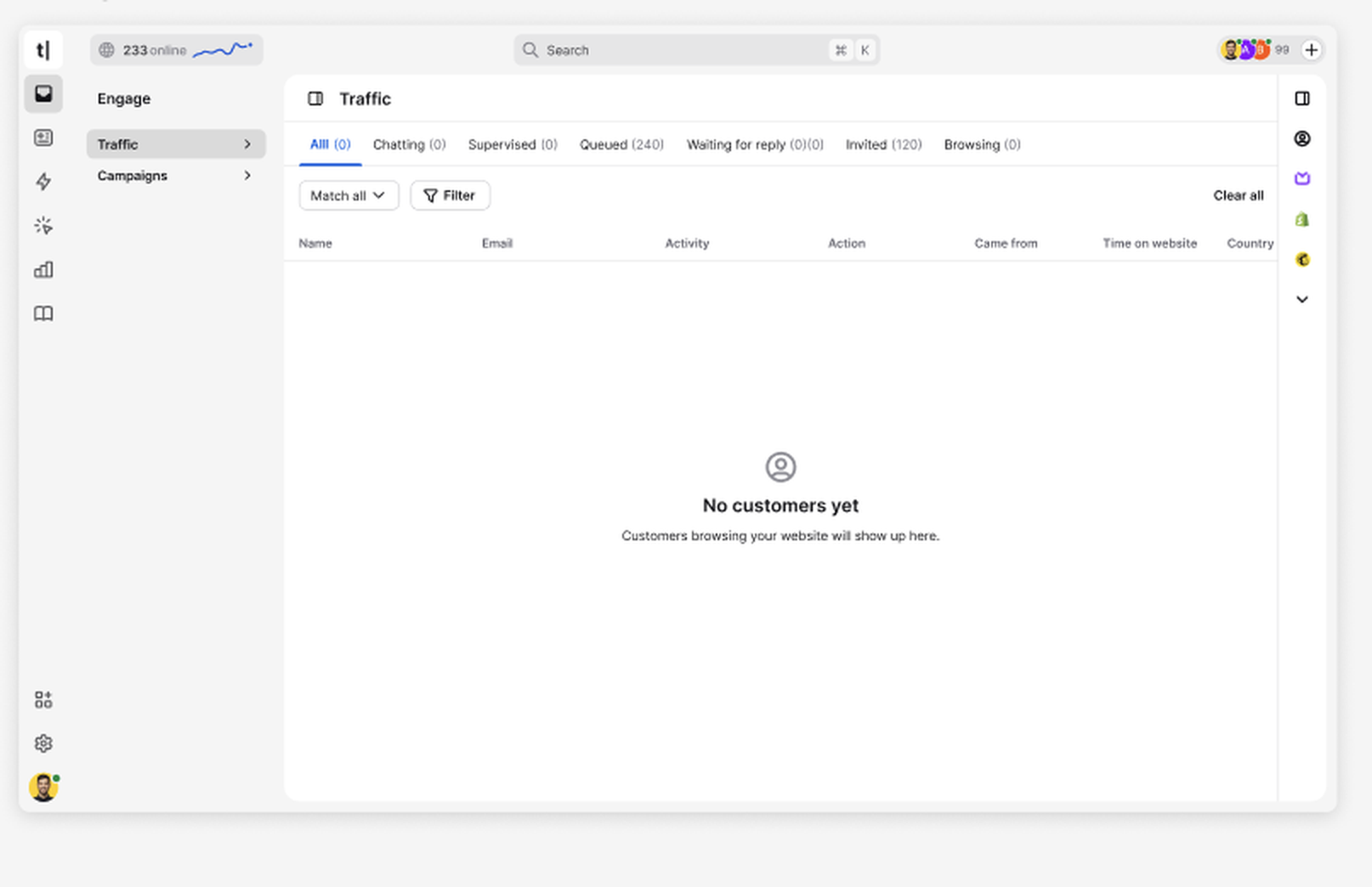
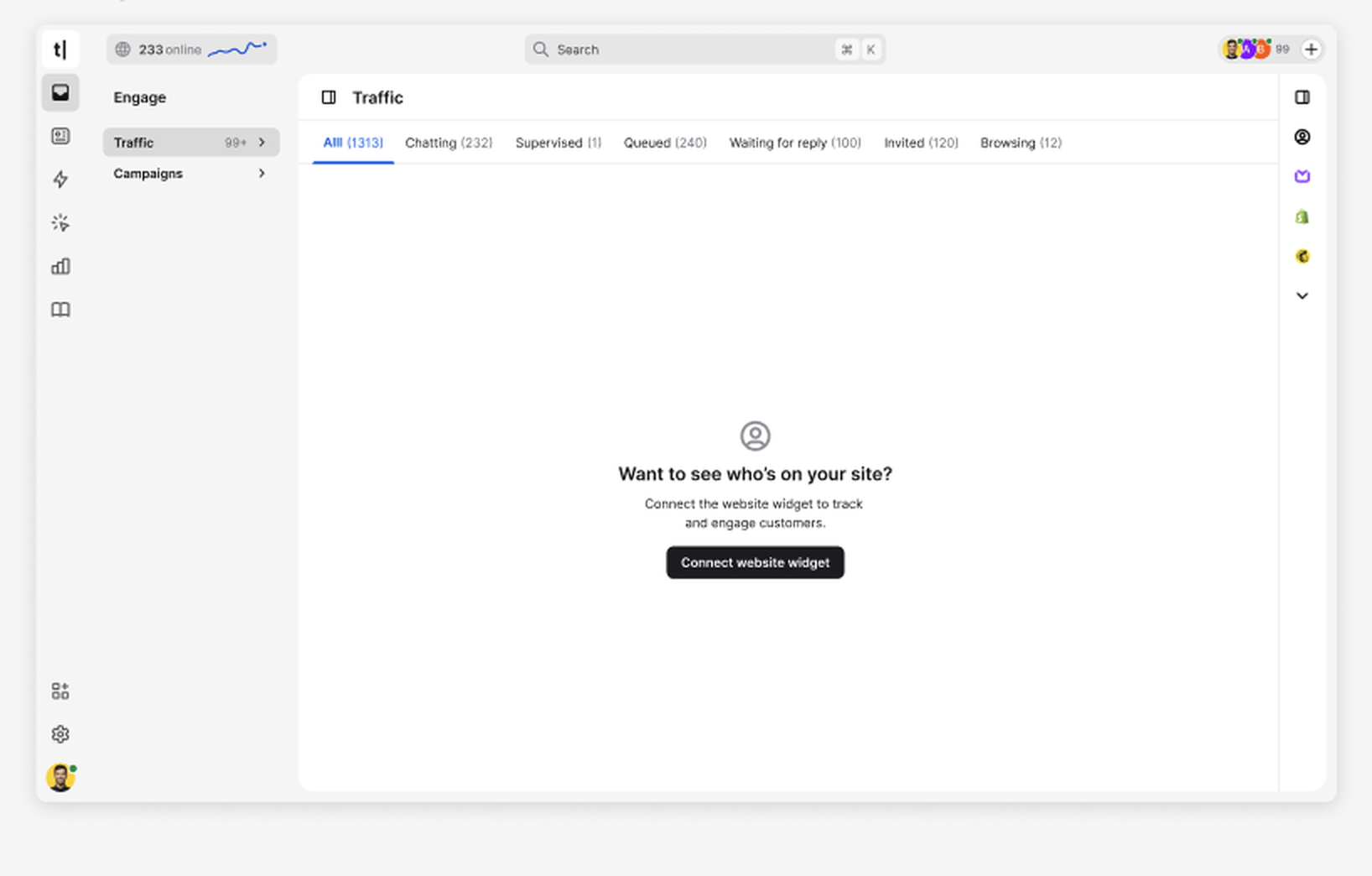
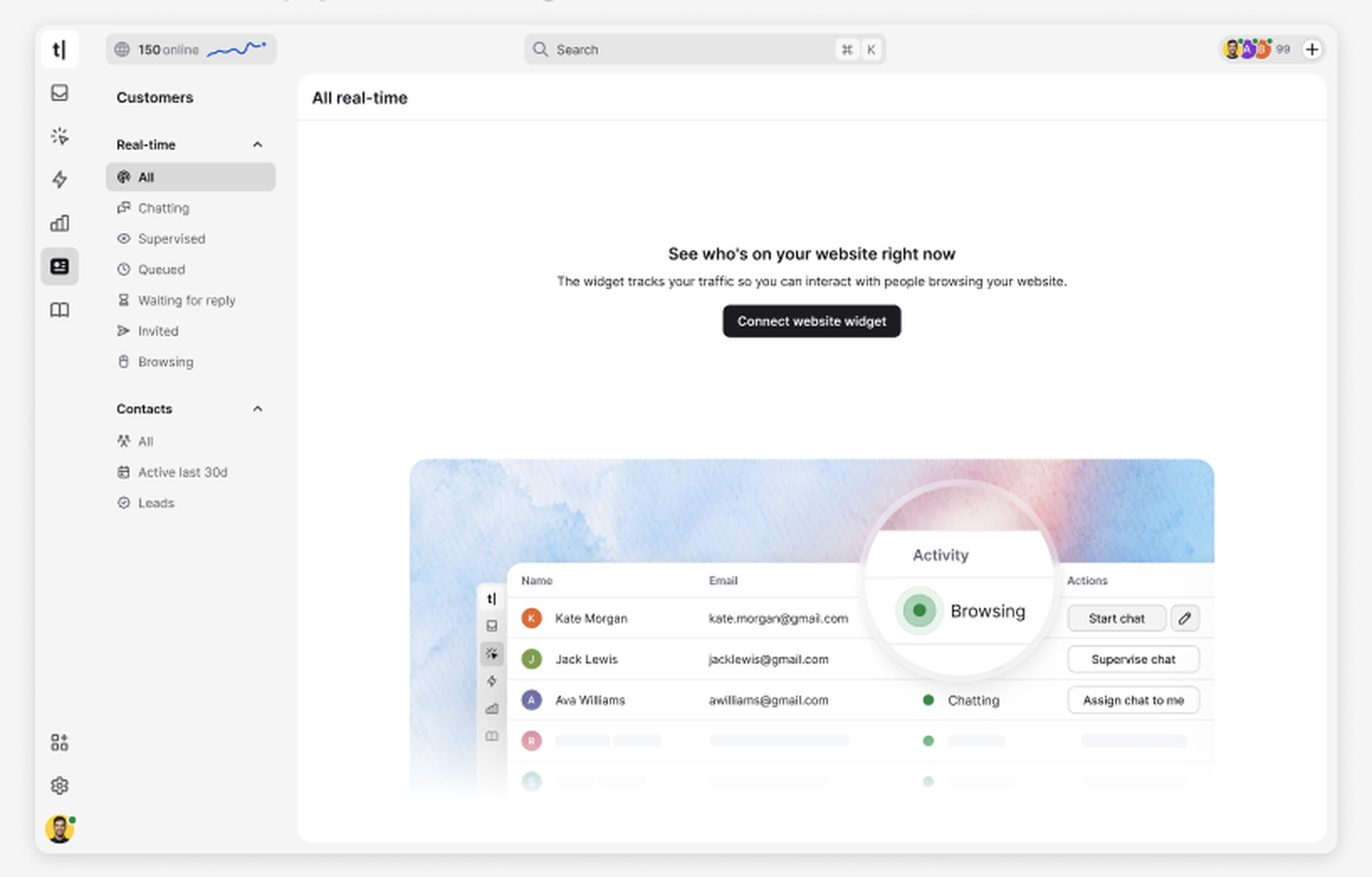
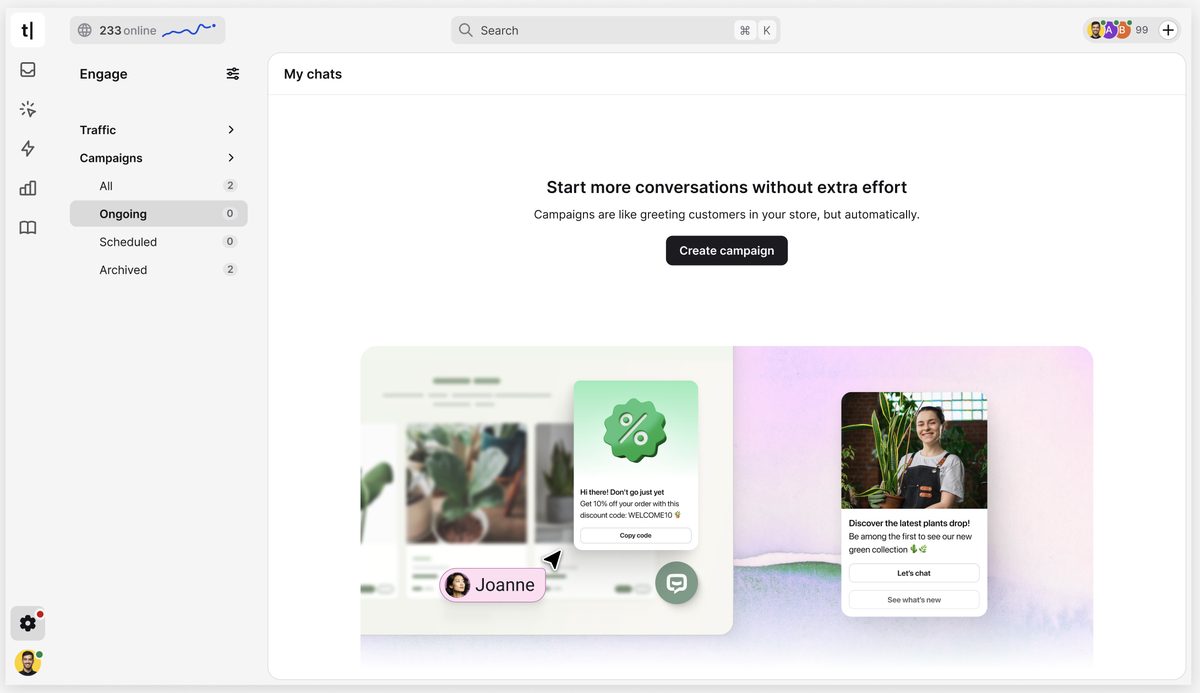
Users coming into Text for the first time kept hitting dead ends. Empty states acknowledged the absence of data, without any explanation or next steps. Many users gave up before reaching their first aha moment.
Together with a designer, we mapped out every empty state in the product. I asked the same questions for each:
At first, the answers fell into three categories. But "no data yet" turned out to cover two fundamentally different situations: one where the user could take action immediately, and one where they were waiting for data but could still do something to speed it up. That led to four distinct content patterns.
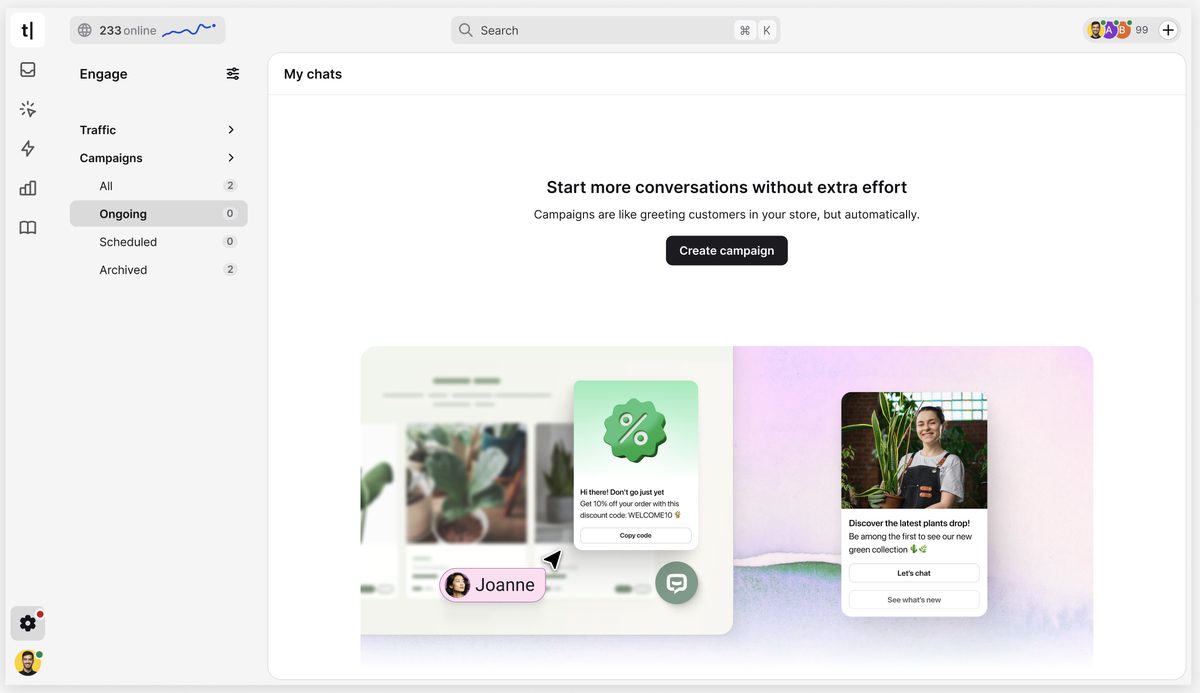
I defined 4 reusable content patterns, each designed around a different user situation. Rather than treating every empty state the same, each pattern had a different goal and guided users accordingly.
We redefined the role of empty states, turning them into part of the onboarding experience. Instead of simply confirming that a section was empty, they helped users understand where they were in the setup process, why data wasn't there yet, and what to do next.
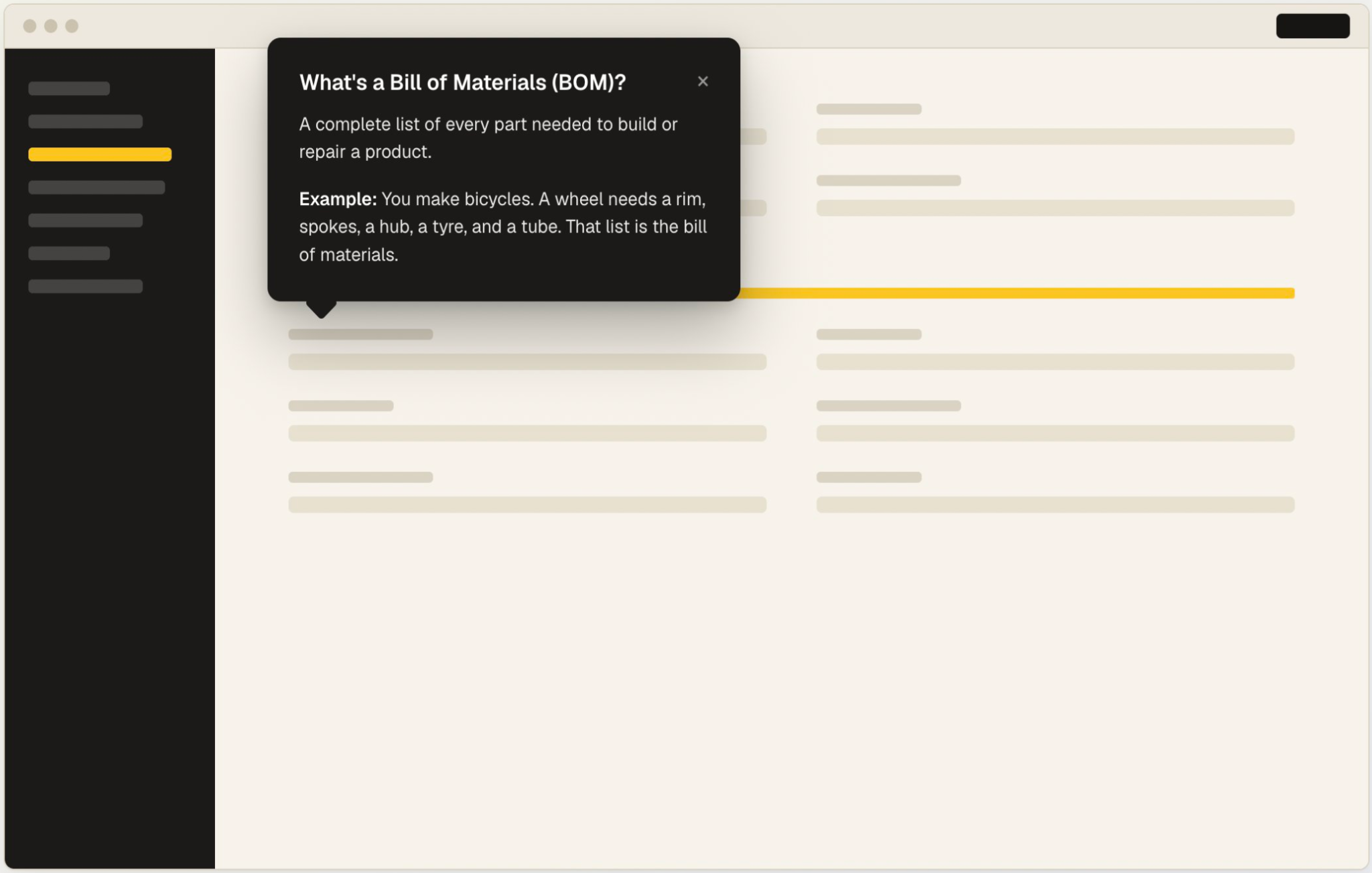
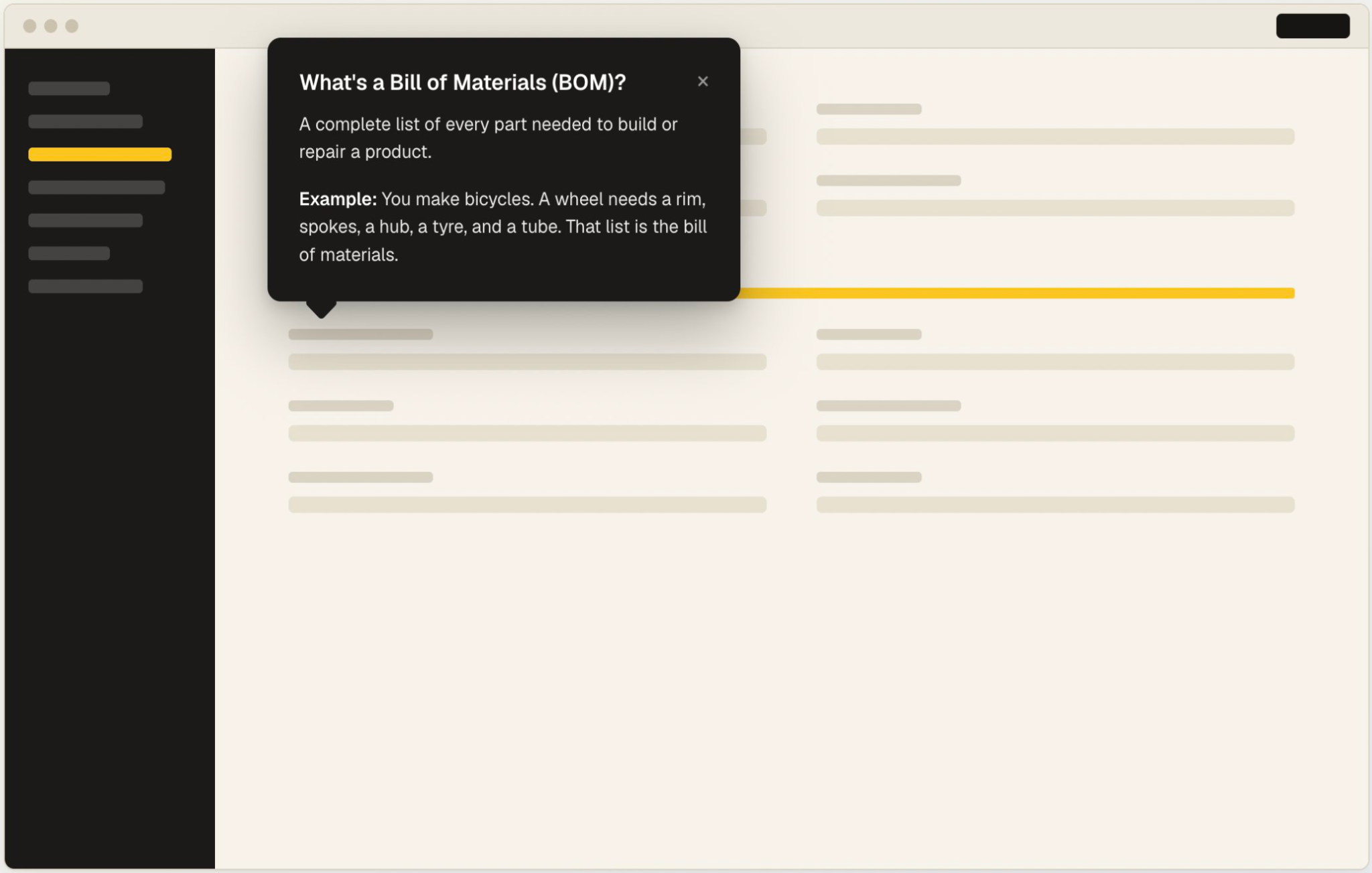
The screenshot above is a mock. Syncron's product is under NDA and cannot be published.
Syncron is a spare parts management platform used across the supply chain. The product is powerful, but it speaks the language of supply chain specialists. Not everyone using it is one.
Users were scared to use the product because a wrong click in a spare parts system at scale can cost millions. The interface didn't give them enough context to feel confident. The users ranged from supply chain specialists to warehouse employees with no logistics background. For the second group, the product spoke a language they didn't know.
I learned supply chain terminology from scratch, the same way a new user would. What made terms click for me was a real-life example using everyday objects.
That became the idea for a pattern. If a familiar example was what made a complex term make sense to me, it could work for a warehouse employee seeing it for the first time.
I defined a pattern for contextual help across the product: a one-sentence plain language definition followed by a concrete, everyday example. The tooltip was expandable: a specialist could read the one-line definition and move on. A less experienced user could expand it and get the full explanation with an example.
The pattern scaled across hundreds of labels and terms throughout the product.
Users had the context they needed at the moment they needed it, without leaving the screen or asking a colleague. The product stopped feeling like it required specialist knowledge just to navigate.
At Text, I was the only UX writer working with 20 product teams. There were no plans to grow the Content Design team.
One writer across 20 teams meant I was becoming a bottleneck. Teams started pushing things to production without my input: promo banners that pushed people away instead of encouraging them to try a feature, features that sounded overwhelming instead of enticing.
The style guide was comprehensive but used mostly by me and a handful of designers. Everyone else was in a rush to ship.
Guidelines tell you how to write what you've already decided to say, but they don't teach you how to think like a UX writer.
Workshops were another idea, but from previous experience and the rush to ship, I knew not everyone would join. Plus, there's only so much you remember from a workshop.
Since I was using AI every day to help with creative UX thinking, I decided to create a custom GPT model and share it with the teams. Designers were already using AI to write draft copy, but their outputs were worse than mine because they weren't copy specialists. That's how I knew I had to teach them how to prompt and how to judge the output.
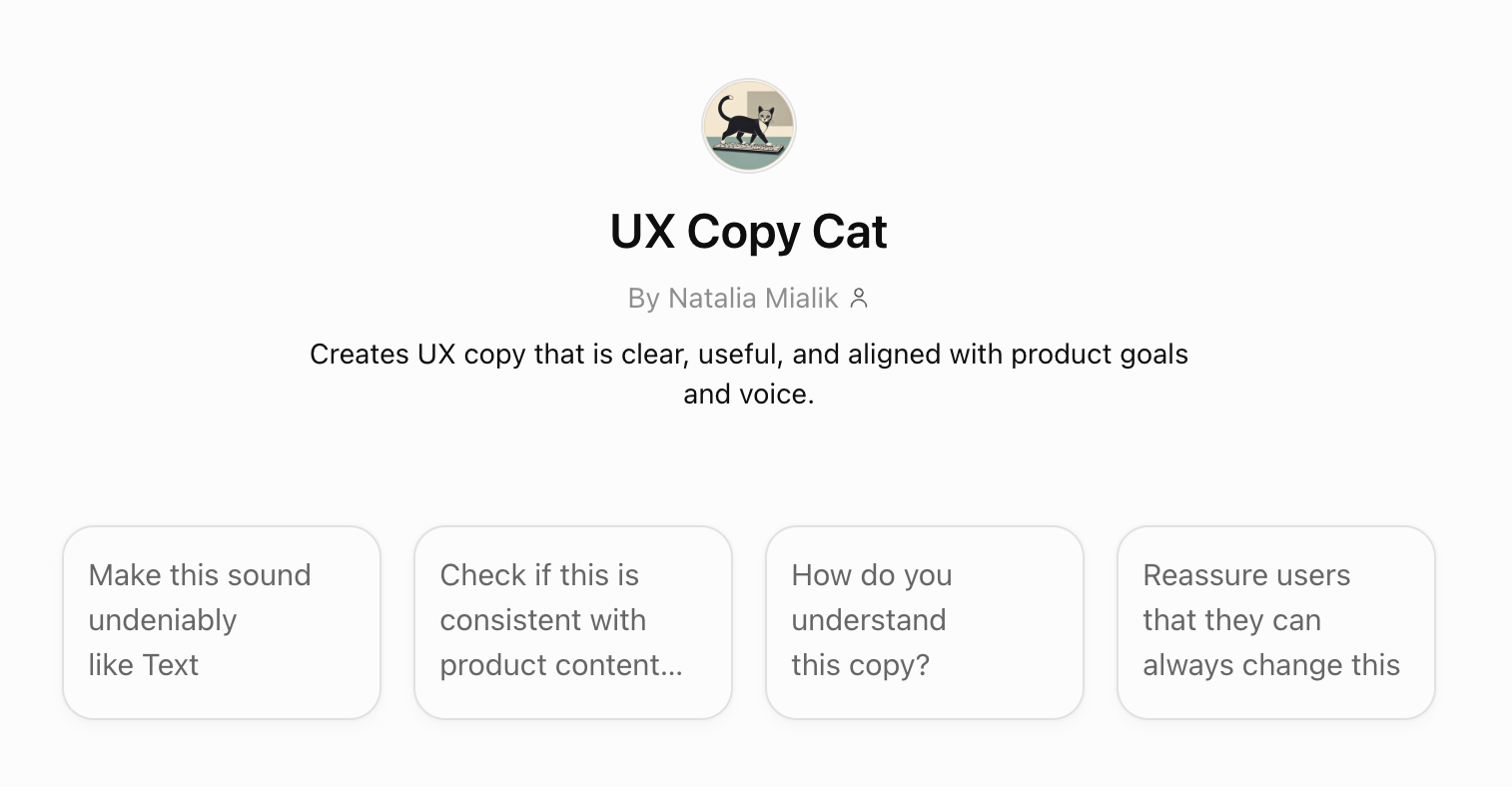
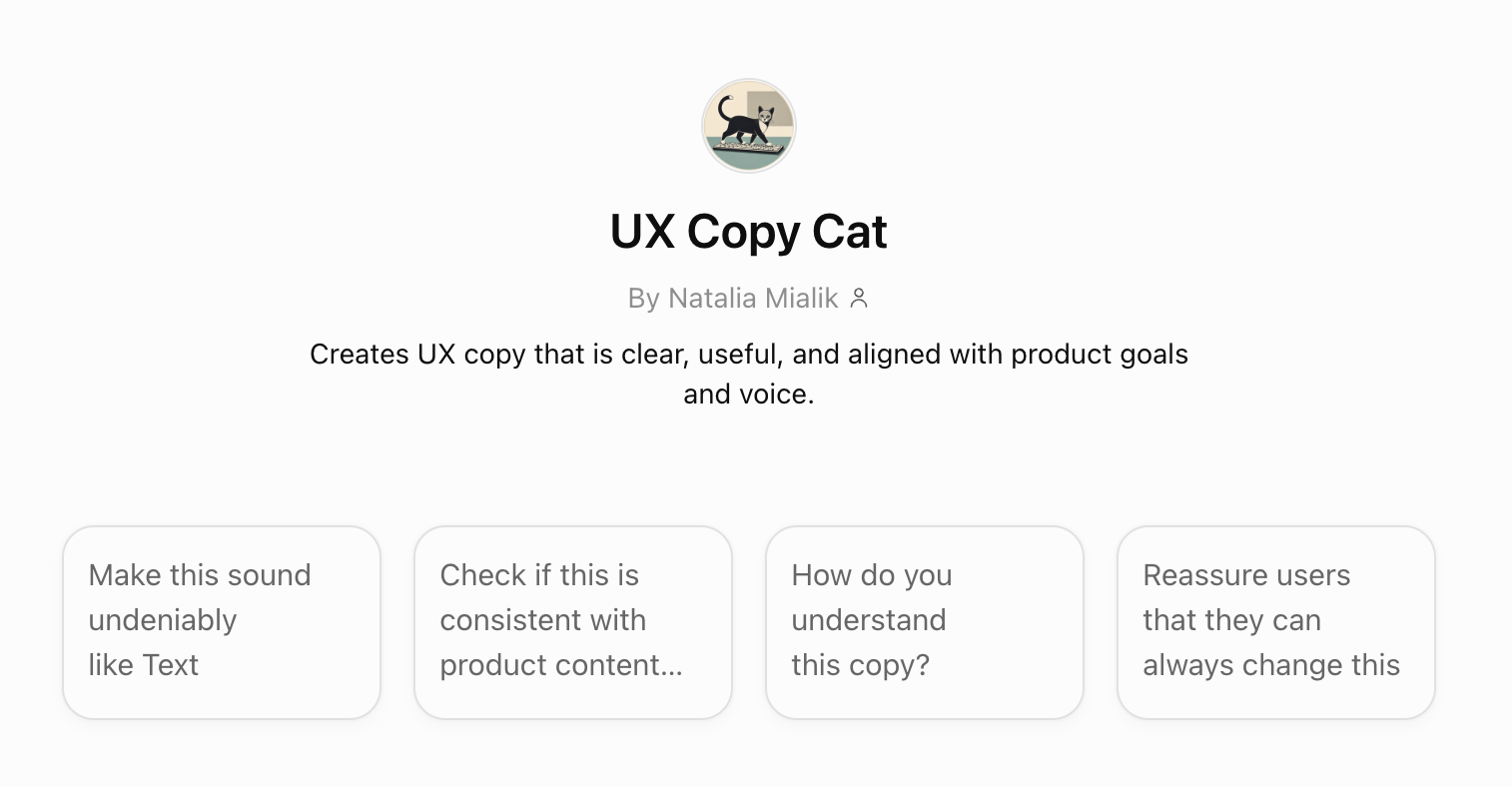
UX Copy Cat: a custom AI model trained on Text's voice, tone principles, and component patterns, with guidelines uploaded so it could help anyone make the right copy decisions, not just write words.
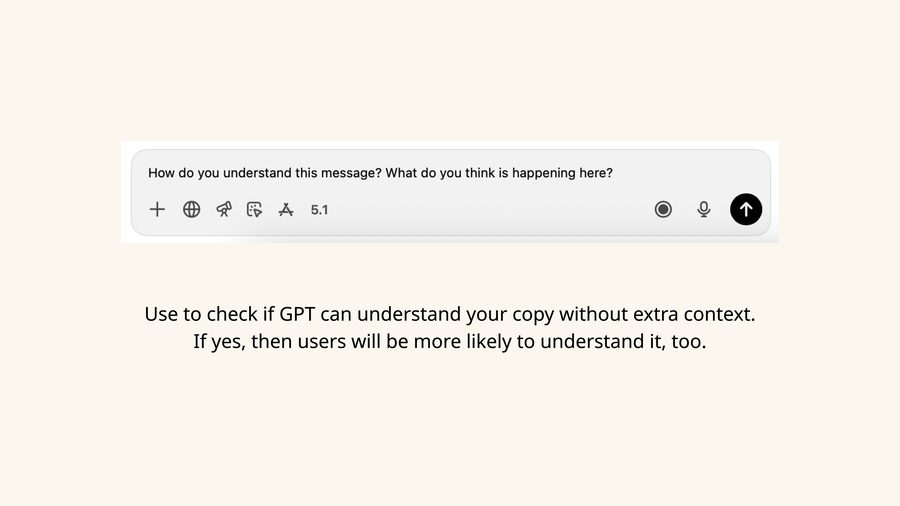
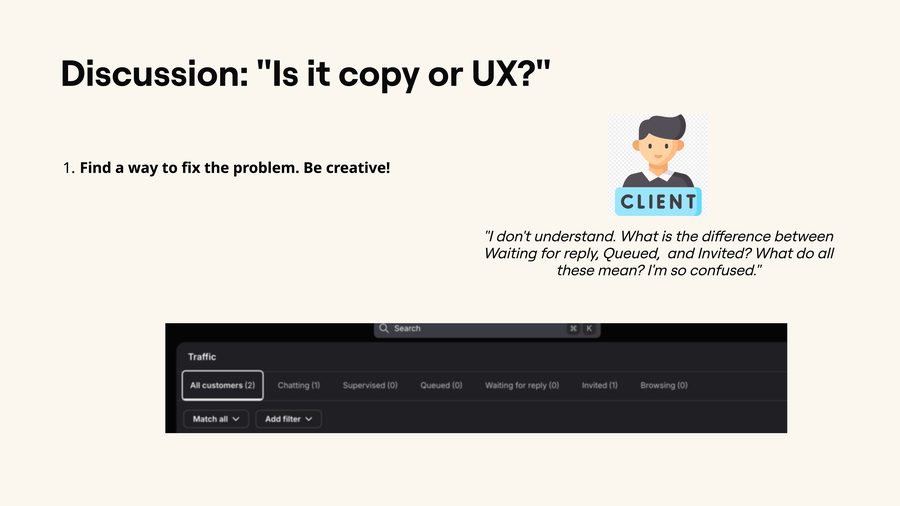
UX Writing Fundamentals: a workshop covering not which words to use, but how to think like a UX writer. What needs to be said, and how it needs to be said. It included exercises for applying the principles and distinguishing UX problems from copy problems, as well as prompting techniques for getting better outputs.
Slides from the UX Writing Fundamentals workshop:
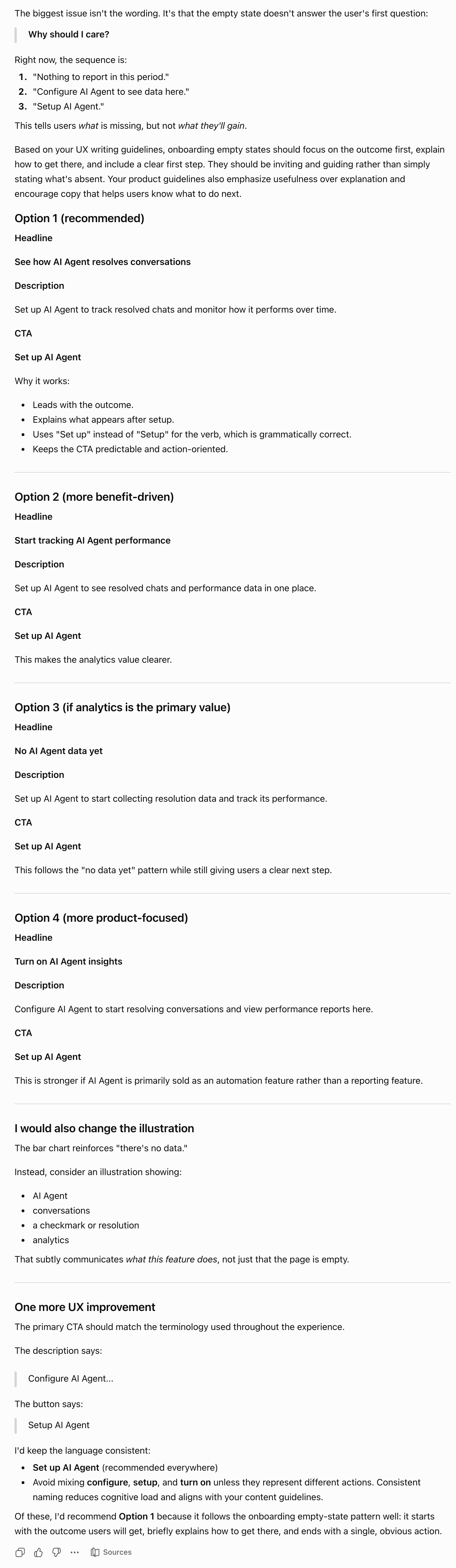
UX Copy Cat in action — Option 1 from an example session:
20+ designers across 20 teams using UX Copy Cat instead of generic copy on designs. Copy arriving to me 60–90% ready. Significantly fewer screens shipping with copy that worked against the product.